Register a Named-User or Subscription License
To register a Named-User License or Subscription License on a machine owned by the Named User, follow these steps:
-
Start Oxygen XML Developer.
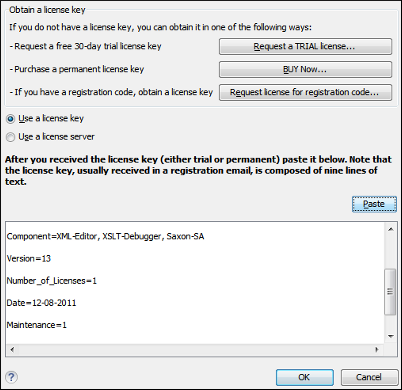
If this is a new install of Oxygen XML Developer, the registration dialog box is displayed. If the registration dialog box is not displayed, go to .
Figure: License Registration Dialog Box