Generate XSLT Documentation in HTML FormatHistory | Edit
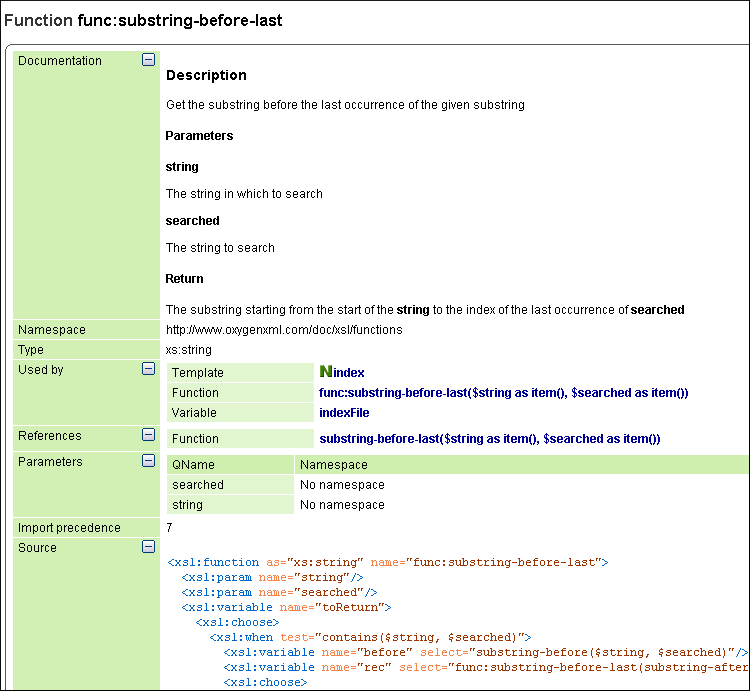
The XSLT documentation generated in HTML format is presented in a visual diagram style with various sections, hyperlinks, and options.
Figure: XSLT Stylesheet Documentation Example
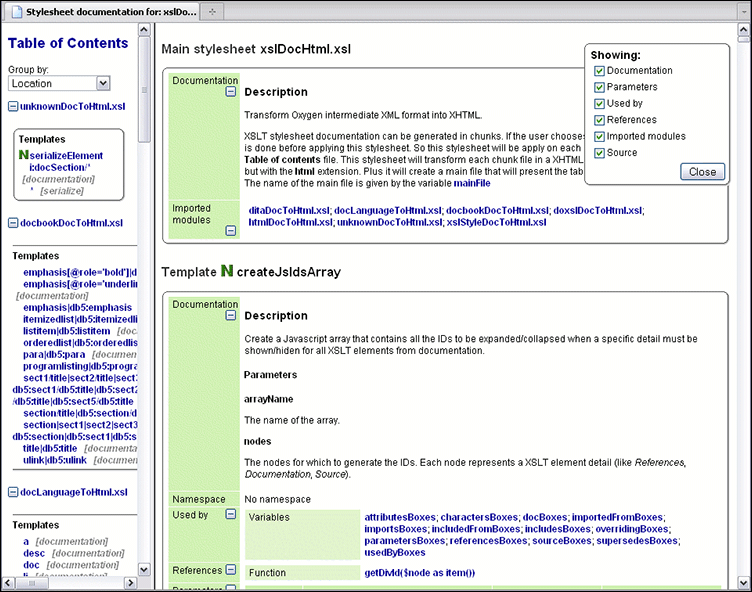
- Table of Contents - You can group the contents by namespace, location, or component
type. The XSLT elements from each group are sorted alphabetically (named templates are
presented first and the
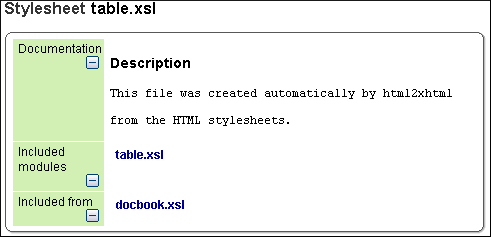
matchones second). - Information about main, imported, and included stylesheets. This information consists of:
- XSLT modules included or imported by the current stylesheet.
- The XSLT stylesheets where the current stylesheet is imported or included.
- The stylesheet location.
Figure: Information About an XSLT Stylesheet
If you choose to split the output into multiple files, the table of contents is displayed in the left frame. The contents are grouped using the same criteria as the split.
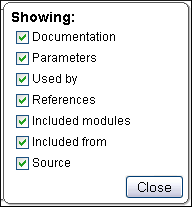
After the documentation is generated, you can collapse or expand details for some stylesheet
XSLT elements by using the Showing options or the  Collapse or
  Expand buttons.
Figure: Showing Options
For each element included in the documentation, the section presents the element type
followed by the element name (value of the name or match
attribute for match templates).
Figure: Documentation for an XSLT Element