Create Patch Between Two Revisions of an ItemHistory | Edit
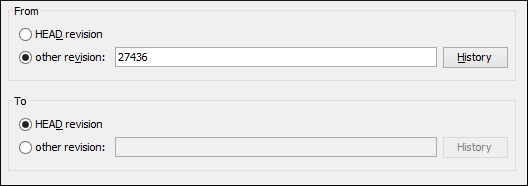
This type of patch contains historical changes between two revisions of a selected item.
This option is useful if you want to share changes between two revisions with other team members.
Tip: If you need to generate a patch between two revisions of a previously
deleted, moved, or replaced item, you should use the Create patch
between two repository items option instead.
The steps are
as follows:-
Press the Next button.
The second step of the wizard is opened:
Figure: Create Patch Wizard - Step 2