
Integrating Web Author with Perforce HelixEdit online
The Oxygen XML Web Author includes a plugin that provides the ability to integrate Web Author with a Perforce Helix version control system. It provides an interface for browsing the files in Perforce depots, opening the files in the editor, and submitting changes.
Configuring the Perforce Plugin
- Go to your Administration Page.
- Select Plugins.
- Click the
 Configure icon next to the Perforce plugin.
 - Enter the Server address and Server port
in the Plugin configuration dialog box and click
Apply.
Figure 1: Perforce Plugin Configuration Dialog Box 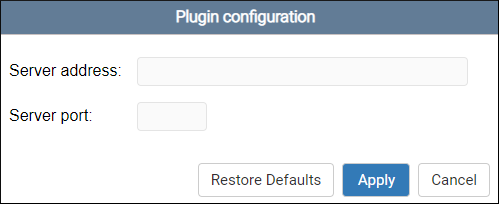
- Restart the server.
Note: To use the Perforce plugin with an SSL certificate, you need to set a system property called
p4.ssl:
-Dp4.ssl="true"