Register a Named-User or
Subscription LicenseEdit online
To register a Named-User License or Subscription License on a machine owned by the Named User, follow these steps:
-
Open an XML document in the Oxygen XML Editor plugin.
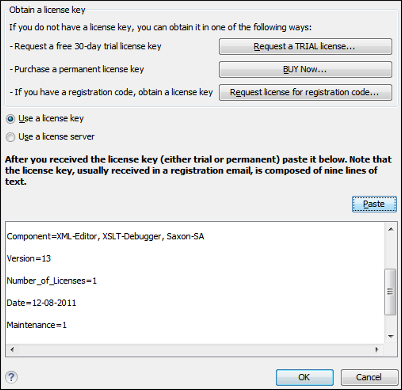
If this is a new install of Oxygen XML Editor plugin, the registration dialog box is displayed. If the registration dialog box is not displayed, go to Window (Eclipse on Mac OSX) and choose and click the Register button.
Figure: License Registration Dialog Box