JSON to XML Converter
Oxygen XML Developer includes a useful and simple tool for converting JSON files to XML. It can be found in the Tools menu.
To convert a JSON document to XML, follow these steps:
-
Select the JSON to XML action from the Tools menu.
The JSON to XML dialog box is displayed:
Figure: JSON to XML Dialog Box
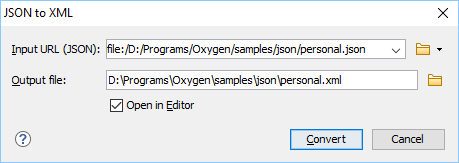
- Choose or enter the Input URL of the JSON document.
- Choose the path of the Output file that will contain the resulting XML document.
- Select the Open in Editor option to open the resulting XML document in the main editing pane.
- Click the Convert button.
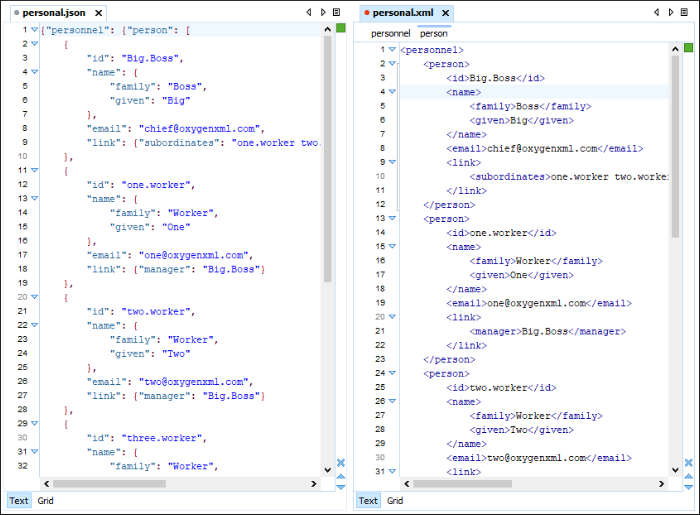
The original JSON document is now converted to an XML document.
Figure: Example: XML to JSON Operation Result