XML to JSON Converter
Oxygen XML Developer includes a useful and simple tool for converting XML files to JSON. It can be found in the Tools menu.
To convert an XML document to JSON, follow these steps:
-
Select the XML to JSON action from the Tools menu.
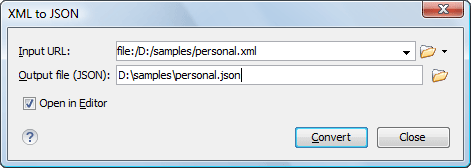
The XML to JSON dialog box is displayed:
Figure: XML to JSON Dialog Box
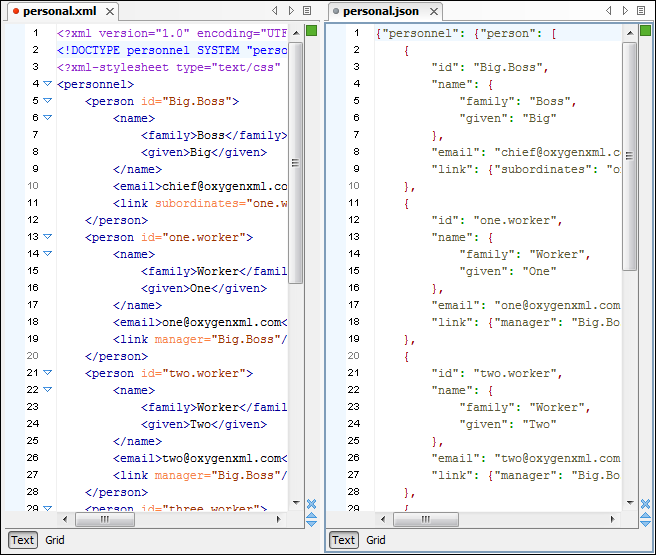
The original XML document is now converted to a JSON document.
Figure: Example: XML to JSON Operation Result