Register a Named-User License
To register a named-user license on a machine owned by the Named User:
-
Open an XML document
in the Oxygen XML Developer plugin.
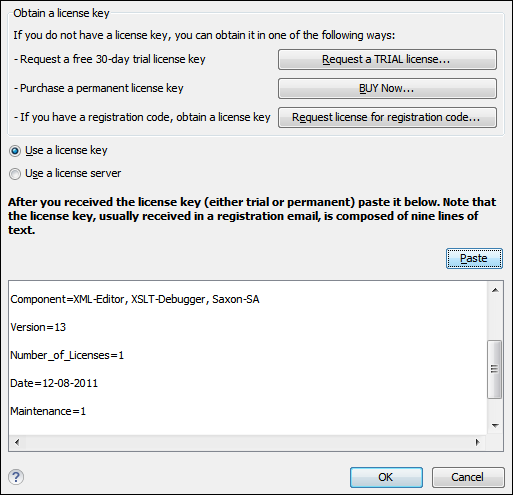
If this is a new install of Oxygen XML Developer plugin, the registration dialog box is displayed. If the registration dialog box is not displayed, go to Window (Eclipse on Mac OSX) and choose and click the Register button.
Figure: License Registration Dialog Box