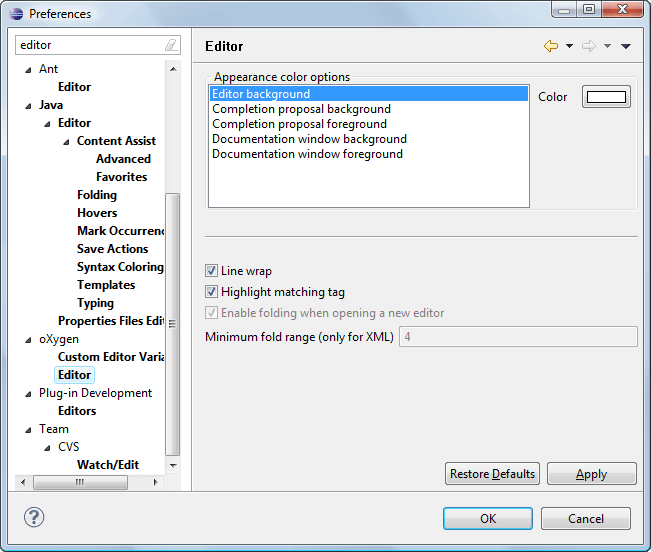
You can configure Oxygen XML Editor plugin options using the Preferences dialog box.
To open the preferences dialog box, go to go to Window (Eclipse on Mac OSX) and choose .
You can restore options to their default values by pressing the Restore Defaults button, available in each preferences page.
Press  or
F1 for help on any preferences page.
or
F1 for help on any preferences page.
A limited version of the
Preferences dialog box is available by selecting  Options from the
contextual menu in the editor.
Options from the
contextual menu in the editor.
Figure: Eclipse Preferences Dialog Box - Restricted Version
Preferences Directory Location
A variety of resources (such as global options, license information, and history files) are
stored in a preferences directory (com.oxygenxml) that is in the
following locations:
- Windows (Vista, 7, 8, 10) - [user_home_directory]\AppData\Roaming\com.oxygenxml
- Windows XP - [user_home_directory]\Application Data\com.oxygenxml
- Mac OS X - [user_home_directory]/Library/Preferences/com.oxygenxml
- Linux/Unix - [user_home_directory]/.com.oxygenxml
