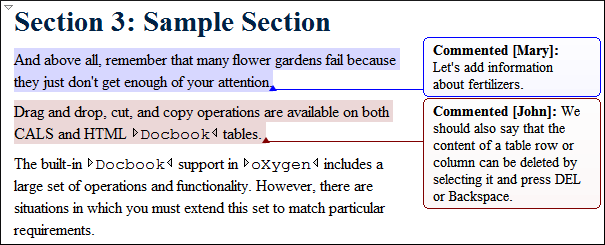
A comment is marked in the Author mode with a background that is configured for each user name.
Figure: Comments in Author Mode
You can manage comments using the following actions that are available on the toolbar, in the
Review submenu of the contextual menu,
and the menu:
 Add
Comment
Add
Comment- Allows you to insert a comment at the cursor position or on a specific selection of content.
 Edit
Comment
Edit
Comment- Allows you to change an existing content.
 Remove
Comment(s)
Remove
Comment(s)- Removes the comment at the cursor position or all comments found in the selected content.
