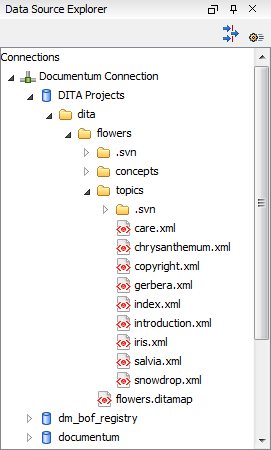
Oxygen XML Developer plugin allows you to browse the structure of a Documentum repository in the Data Source Explorer view and perform various operations on the repository resources.
You can drag and drop folders and resources to other folders to perform move or copy operations with ease. If the drag and drop is between resources (drag the child item to the parent item) you can create a relationship between the respective resources.
Figure: Browsing a Documentum repository