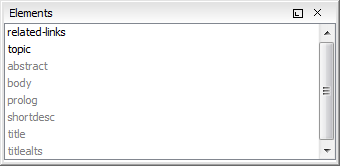
The Elements view presents a list of all defined elements that you can insert at the current cursor position according to the schema associated to the document. Double-clicking any of the listed elements inserts that element in the edited document. All elements from a sequence are presented but the invalid proposals (which cannot be inserted in the current context) are disabled and rendered in gray.
Figure: The Elements View