to configure the Table Filters preferences, open the Preferences dialog box and go to .
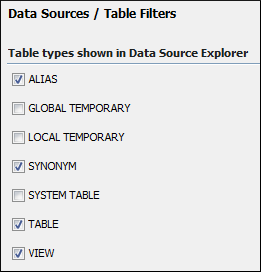
Here you can choose which of the database table types will be displayed in the Data Source Explorer view.
Figure: Table Filters Preferences Panel
| Preferences / Data Sources Preferences | |
to configure the Table Filters preferences, open the Preferences dialog box and go to .
Here you can choose which of the database table types will be displayed in the Data Source Explorer view.
Figure: Table Filters Preferences Panel
